
Communication vector icon sets worth adding to your library
8 of our own communication vectors, with practical notes on where each one fits.
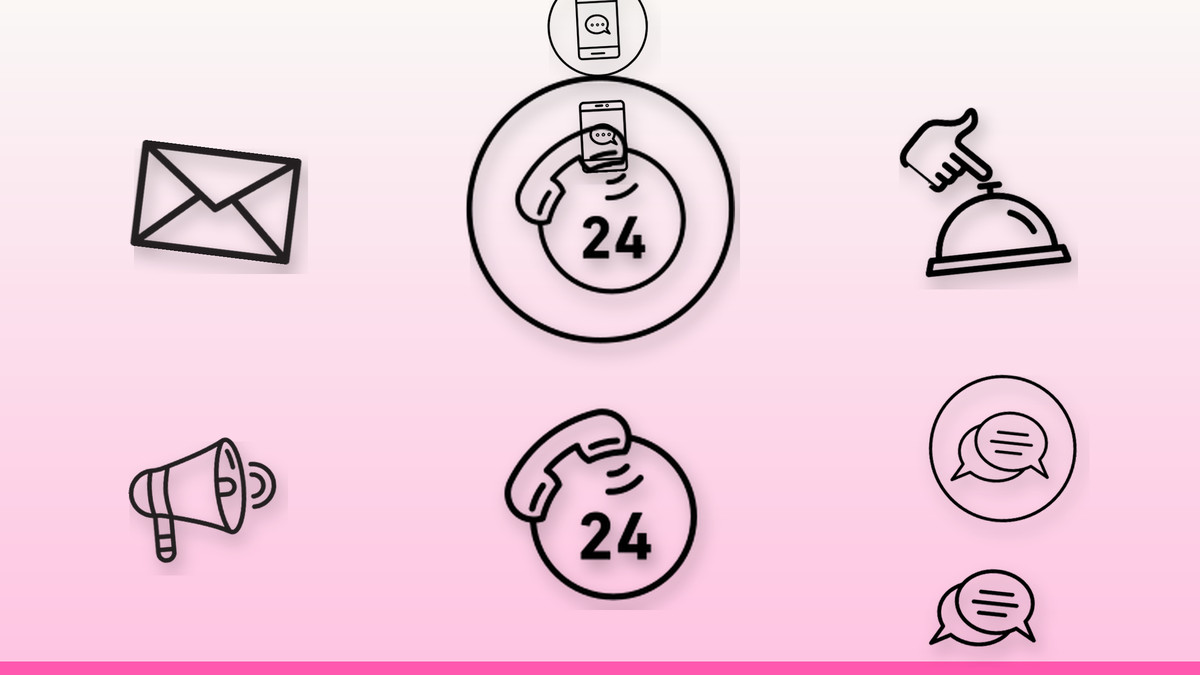
Every design in this roundup was drawn in our own studio and cleaned by hand, so the paths are tidy and the shapes stay crisp at any size. showcase of communication sets, styles included, best uses on print and screen.
Our rule for vectors like these: pick one style and stick to it across a project, keep optical sizes consistent, and let colour do the talking only where it means something.
The vectors

24 7 Emergency Call Services Icon
24 7 Emergency Call Services Icon works well wherever you need a clear communication cue — keep it at 20–24 px in interfaces and scale the SVG up without loss for print. Keywords: emergency services, 24/7 support, emergency hotline, emergency helpline, crisis support.
Get this vector →
Email Icon
Email Icon works well wherever you need a clear communication cue — keep it at 20–24 px in interfaces and scale the SVG up without loss for print. Keywords: email, mail message, envelope mail, inbox, send message.
Get this vector →
Hand Touching Service Bell Icon
Hand Touching Service Bell Icon works well wherever you need a clear communication cue — keep it at 20–24 px in interfaces and scale the SVG up without loss for print. Keywords: reception bell, hotel front desk bell, concierge service, ring for service, call bell.
Get this vector →
Loudspeaker Icon
Loudspeaker Icon works well wherever you need a clear communication cue — keep it at 20–24 px in interfaces and scale the SVG up without loss for print. Keywords: megaphone, announcement, public address speaker, bullhorn, shout out.
Get this vector →
Comment Icon
Comment Icon works well wherever you need a clear communication cue — keep it at 20–24 px in interfaces and scale the SVG up without loss for print. Keywords: comment, discussion, feedback, message, chat.
Get this vector →
Live Chat Icon
Live Chat Icon works well wherever you need a clear communication cue — keep it at 20–24 px in interfaces and scale the SVG up without loss for print. Keywords: instant messaging, chat support, customer service, real-time chat, live support.
Get this vector →
Broken Phone Screen Icon
Broken Phone Screen Icon works well wherever you need a clear communication cue — keep it at 20–24 px in interfaces and scale the SVG up without loss for print. Keywords: broken phone screen, cracked screen, damaged smartphone, phone repair, shattered display.
Get this vector →
Emoticon Making Silence Icon
Emoticon Making Silence Icon works well wherever you need a clear communication cue — keep it at 20–24 px in interfaces and scale the SVG up without loss for print. Keywords: shush face, finger on lips, keep quiet, silence gesture, hush emoji.
Get this vector →Quick tips
- Use one visual style per project — mixing outline and filled sets breaks rhythm.
- Export SVG for screens and PNG at 2x for anything raster.
- Pair every icon with a label the first time it appears.
- Keep at least 10% padding inside each icon's box so a set lines up on a grid.
- Test on a dark background early; some shapes vanish.
Browse the full library at infyvector.com.
FAQ
What formats do I get?
SVG for scalable use plus PNG in several sizes. SVG can be recoloured in any editor or with CSS.
Can I use these commercially?
Yes. Infyicon icons are free with a credit link; Infyvector files include a commercial licence with the purchase.
Do the styles match across designs?
Yes — the whole library follows the same grid and stroke rules, so sets mix cleanly.
Pick one idea from this list and try it in your next design this week.